I’ve seen many Windows users express interest in trying out Linux lately. One of the first questions a new user may ask is which Linux distribution should they install? For those that are unaware of what a Linux distribution is, here is a quick answer: “A Linux distribution (often called a distro for short) is an operating system made as a software collection based on the Linux kernel and, often, on a package management system” (Wikipedia).
There are literally hundreds of Linux distros out there. DistroWatch (a popular website for information on Linux distros) has over 800 Linux distros currently listed on the website. It can be very easy to fall into decision paralysis while looking over all the choices. I’m going to attempt to make this easier for you by limiting the list to my top five choices for a new Linux user.
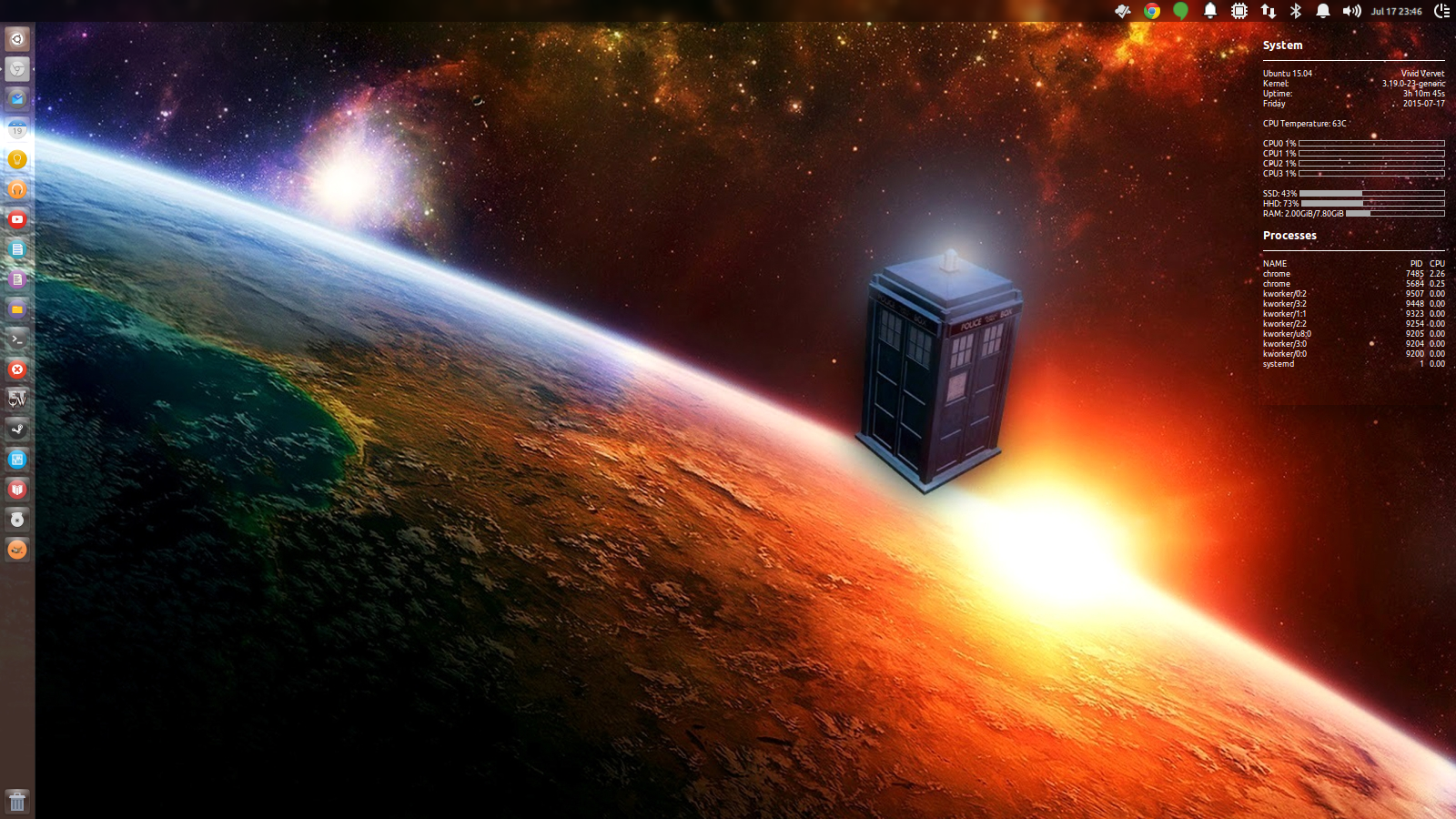
 1. Ubuntu (ubuntu.com)
Ubuntu is one the best known Linux Distributions out there and is known for its ease of use. Ubuntu has many variants but its best known for its default configuration with the Unity Desktop Interface. It is named after the Southern African philosophy of ubuntu (literally, “human-ness”), which often is translated as “humanity towards others” or “the belief in a universal bond of sharing that connects all humanity”.
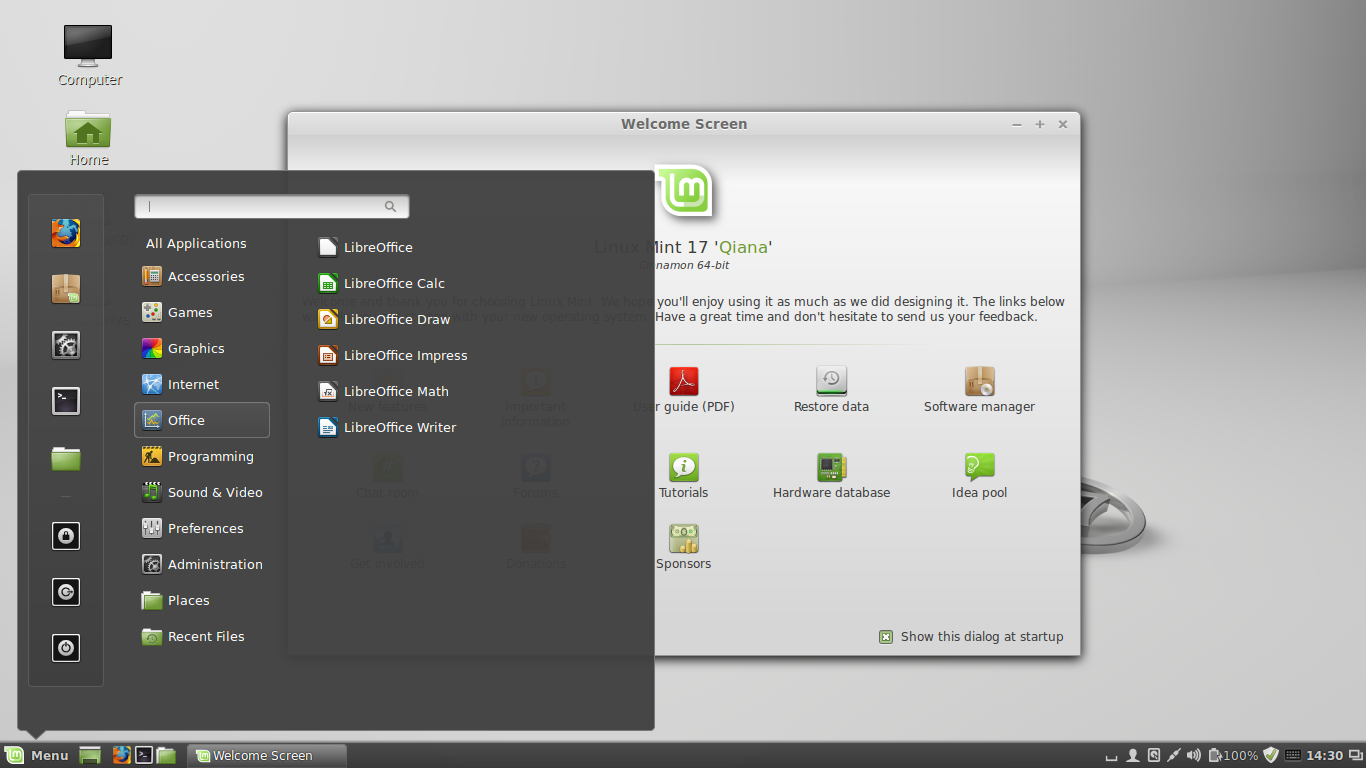
 2. Linux Mint (linuxmint.com)
Linux Mint is a Linux distribution based on Ubuntu and Debian. Linux Mints goal is to provide a more complete out-of-the-box experience by including browser plugins, media codecs, support for DVD playback, Adobe Flash, Java and other components. Linux Mint is primarily known for using the Cinnamon and MATE desktops.
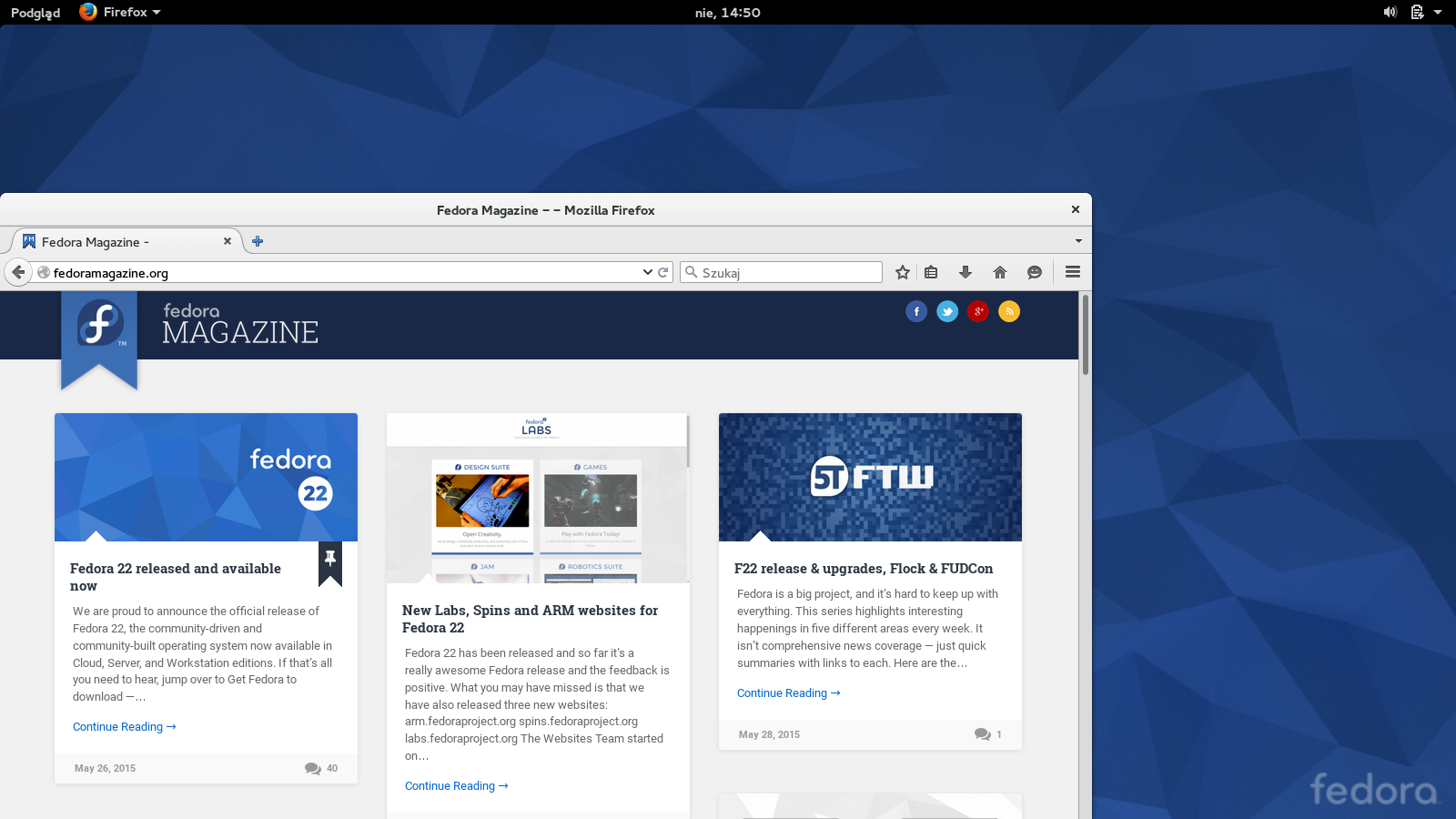
 3. Fedora (getfedora.org)
Fedora is developed by the community-supported Fedora Project and sponsored by Red Hat. Fedora has a reputation for focusing on innovation, integrating new technologies early on and working closely with upstream Linux communities. The default desktop in Fedora is the GNOME desktop environment and the default interface is the GNOME Shell.
 4. openSUSE (openSUSE.org)
openSUSE is widely used throughout the world, particularly in Germany. The focus of its development is creating usable open-source tools for software developers and system administrators, while providing a user-friendly desktop, and feature-rich server environment. The openSUSE project is a community program sponsored by SUSE Linux and other companies.
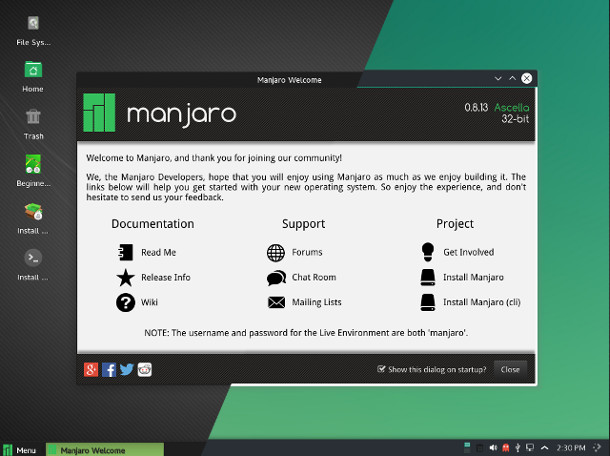
 5. Manjaro Linux (manjaro.org)
Manjaro Linux is based on Arch Linux, which utilizes the Xfce desktop environment, a rolling release update model, and the Pacman package manager. Arch is known as a highly customizable Linux Distro and Manjaro attempts to make installation and use easier for the user.
If you are still undecided on which version to install, I would recommend most my first two suggestions of Linux Mint or Ubuntu. They both offer very easy installations, a wide variety of software and a large amount of community support.